Choosing Between AI Virtual Assistants and AI Agents: An SMB Practical Decision Framework
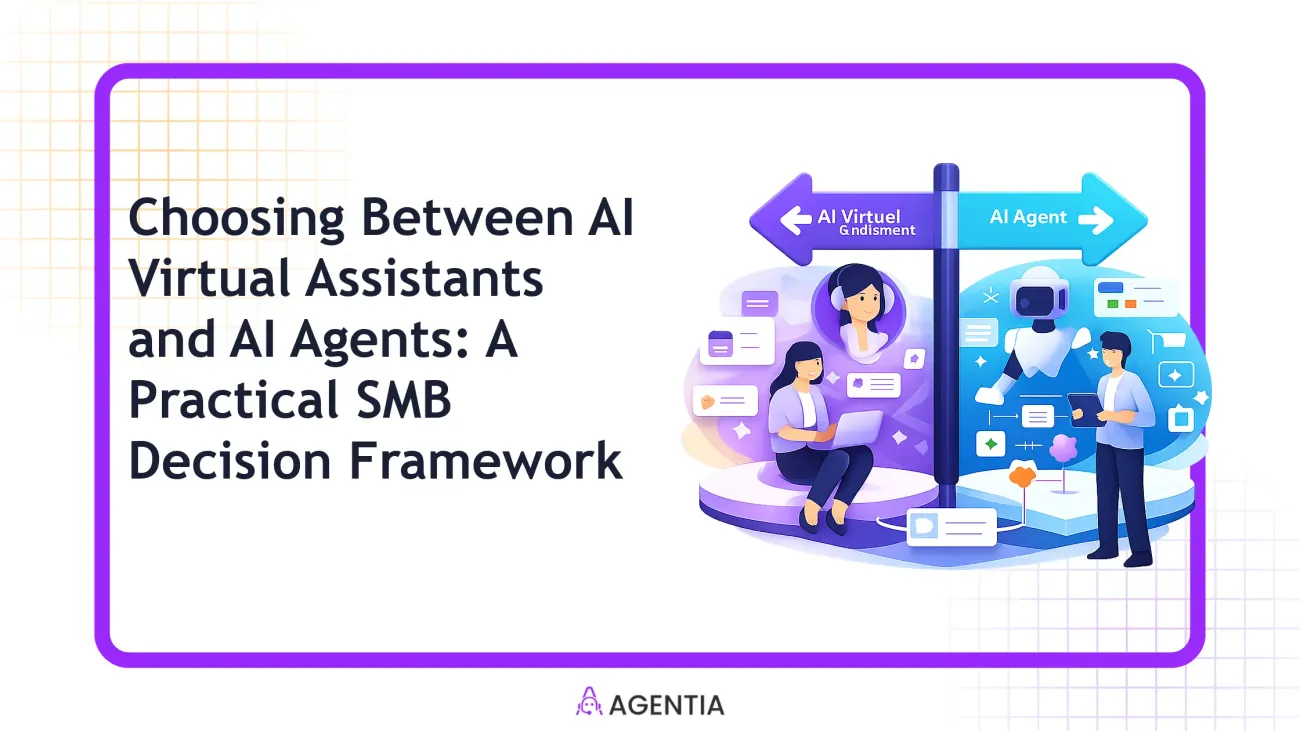
If you’re an SMB leader trying to automate customer interactions, sales, and operations without hiring an internal AI team, this guide is for you. You’ll get a concrete framework to decide when to deploy AI Virtual Assistants (VAs) vs AI Agents, plus how to blend them for real-world workflows. No fluff, no-code first patterns, and clear metrics you can track from day one.
What AI Virtual Assistants and AI Agents Look Like in SMBs
In Agentia’s world, AI VAs are conversational, rule-based helpers that handle a defined set of tasks or questions within a single domain. A VA might triage a customer inquiry in chat, draft a polite follow-up email, or fetch a CRM field when a human is unavailable. An AI Agent, by contrast, is an autonomous handler that can orchestrate multi-step workflows across systems CRM, Helpdesk, Marketing Automation, and beyond. An AI Agent can qualify a lead, schedule a meeting, update a CRM, and trigger downstream actions all without a human in the loop.
Practically speaking, VAs excel at quick wins: greeting visitors, answering FAQs, routing to a human when needed, and performing lightweight data ops. AI Agents shine when the task requires decision-making and end-to-end execution: lead qualification, appointment setting, order processing, or complex case routing that spans multiple tools.
In SMB automation terms, these two capabilities aren’t mutually exclusive; they’re complementary tools in a human-first automation approach. You can use a VA to handle the surface layer and an AI Agent to take over when the workflow warrants autonomy. The goal is speed, accuracy, and consistency without forcing your team into heavy coding or bespoke AI development.
Below is a quick side-by-side you can skim, then dive into the deeper decision framework. It’s the practical lens SMBs use when deciding what to automate and what to leave for human operators.
| Aspect | AI Virtual Assistant (VA) | AI Agent |
|---|---|---|
| Autonomy level | Rule-based, task-level, limited decision-making | End-to-end automation across tools |
| Typical use cases | Initial triage, FAQs, basic data entry, lightweight emails | Lead qualification, scheduling, CRM updates, multi-step processes |
| Integration footprint | CRM basics, helpdesk tickets, email drafts | CRM, Helpdesk, Marketing Automation, Data Apps, ERP-ish touchpoints |
| Value driver | Faster responses, reduced repetitive work at surface level | End-to-end throughput, higher conversion, lower human latency |
| Cost/effort to start | Low-to-moderate with no-code blocks | Moderate to high initial setup, but strong ROI with scale |
When to Use an AI Virtual Assistant (VA) for SMBs
Want rapid wins with minimal risk? Start with a VA. It’s ideal when you need consistent, low-risk automation that improves responsiveness and frees time for humans to tackle higher-value work. VAs are particularly effective for after-hours support, simple FAQs, routine data collection, and initial triage that keeps conversations flowing without long wait times.
- Customer support triage for common questions and routing to human agents.
- Initial data collection and basic CRM updates based on chat or email input.
- Lightweight marketing automation, such as scheduling posts or sending simple email nudges.
- Administrative tasks with known decision rules, like scheduling, reminders, or basic research prompts.
Key takeaway: VAs keep the lights on and customers moving in real time, without requiring a heavy technical lift. They’re your “first responder” in many SMB workflows.
Real-world example: A service business uses a VA on its site chat to answer common questions, collect contact details for a quote, and create a CRM lead record. If the inquiry needs a specialist review, the VA hands off to a human or to an AI Agent for end-to-end processing later in the day.
When to Deploy an AI Agent in your SMB
If your workflow requires decision-making, cross-tool orchestration, and consistent execution without a person in the loop, an AI Agent is the right fit. Real-world SMBs deploy Agents to close the loop on end-to-end processes: lead qualification, appointment scheduling, CRM updates, order processing, and complex ticket triage that spans multiple systems.
- Lead qualification with automatic scoring based on firmographics, behavior, and engagement data.
- Appointment setting that checks availability, confirms slots, and updates calendars and CRM in one flow.
- CRM automation that creates, updates, or enriches records as conversations progress.
- Ticket routing and escalation that decide whether a case can be resolved automatically or requires human review.
In practice, AI Agents shine where consistency and speed matter across the whole process. They take the burden off your team by finishing steps that are repeatable and rule-based, yet require a level of autonomy beyond a VA’s scope.
Small-business case in point: A SaaS/professional services company uses an AI Agent to qualify inbound leads, book discovery calls, and automatically populate a CRM with scoring and notes. The human team then focuses on high-potential accounts, while the Agent handles the rest and triggers follow-up campaigns.
A Practical, No-Code Decision Framework for SMBs
This four-step framework helps you decide whether to deploy a VA, an AI Agent, or a blend. It’s designed for SMBs that want measurable improvements without writing code.
- Map the workflow to an autonomy level. Break the process into discrete decision points. If a step is purely rule-based with clear inputs and outputs, a VA can perform it. If a step requires end-to-end action across multiple systems, it’s a candidate for an AI Agent. Don’t mistake urgency for autonomy; be honest about whether the system can operate on its own or needs human oversight.
- Define inputs, outputs, and decision points. For each step, write down the data that goes in, the action that results, and the trigger for the next step. This clarity prevents scope creep and helps you verify that the automation won’t create data gaps or misrouting.
- Check data readiness and integrations. Are your CRM, ticketing system, and knowledge base clean and accessible? If data quality is uneven, you’ll need a staged approach, possibly starting with a VA to collect clean inputs and then a later Agent to act on them. Favor no-code connectors (e.g., CRMs, helpdesks, knowledge bases) that Agentia supports to minimize custom coding.
- Pilot, measure, and scale. Start with a narrowly scoped pilot (e.g., lead qualification for a single product line). Track defined KPIs and adjust before widening scope. A staged rollout reduces risk and accelerates return on investment.
Worked example: A mid-market SMB wants to automate support and lead follow-up. Phase 1 uses a VA to triage chat inquiries and capture emails. Phase 2 adds an AI Agent to qualify the lead, create a CRM entry with a score, and schedule a discovery call. A mid-market SMB could pilot this approach for six weeks and measure how much of its inquiry volume can be handled without human intervention.
What makes this framework practical is its no-code possibility. You can draft the entire decision map and automation flows in visual editors, then connect to CRM and helpdesk with no custom code. Agentia’s approach emphasizes human-in-the-loop when exceptions arise, rather than pretending automation will handle every edge case.
Tip: Start by mapping the end-to-end customer journey. Identify one friction point per workflow—where speed and consistency matter most—and test either a VA or an Agent against that point first.
Hybrid Patterns: Blending VA and AI Agent in Real SMB Workflows
In most SMBs, the strongest outcomes come from combining both capabilities in a single pipeline rather than choosing one over the other. Here are two pragmatic patterns you can start applying today.
Pattern A — Support and Customer Experience
Use a VA to handle the first contact in chat, email, or social where the user asks a routine question or requests status. The VA collects essential data and—when it detects ambiguity or a need for action beyond its scope—hands off to an AI Agent. The Agent then performs end-to-end actions: retrieves knowledge base articles, updates the CRM, creates a support ticket if needed, and triggers a human escalation if the issue is unresolved after two automated attempts. The result is a smoother customer experience with faster initial responses and consistent data capture.
Pattern B — Sales and Lead Nurturing
In sales, a VA can capture inquiries and route them, while an AI Agent handles lead scoring and booking. The Agent updates CRM, enrolls the lead into the right nurture sequence, and schedules a discovery call. This two-layer approach reduces response time and ensures that every lead is consistently categorized and followed up with, without burdening your sales reps with repetitive tasks.
Case example: An SMB could aim to reduce average response time from 14 minutes to 3 minutes by combining a VA for initial response with an AI Agent for qualification and follow-up. The AI Agent handled 40% of lead qualification automatically, freeing sales reps to close more opportunities in the same timeframe.
Common Mistakes and How to Avoid Them
- Over-automating: Trying to push end-to-end automation into every process from day one. Start small, learn, and expand.
- Ignoring data quality: Poor CRM or ticket data sabotages AI performance. Invest in data cleanup as a precursor to automation.
- Underestimating human handoff: Even the best AI needs a predictable handoff path to humans for edge cases or negative sentiment issues.
- Skipping testing: Run parallel runs and A/B tests for both VA and Agent paths before removing humans from the process.
Rule of thumb: automate what moves the needle. If it’s a high-volume, low-variance task, a VA is usually the fastest win. For high-value, end-to-end tasks that touch multiple systems, an AI Agent is the better long-term bet.
How to Tell If It’s Working: KPIs and Signals
- First response time and time-to-resolution improvements
- Lead conversion rate and meeting-booking rate
- CRM data quality and consistency (completeness, deduplication)
- Escalation rate to humans and mean time to escalation
- Agent utilization rate and autonomy progression (percentage of flows handled without human input)
Set targets that align with your business goals. A typical SMB starting with a VA might aim for 20–40% faster response in the first quarter, then push to 60–80% end-to-end automation with an AI Agent over the next two quarters as data quality improves.
Practical Takeaways
- Start with a clear autonomy map. Decide which steps can be automated with a VA and which require an AI Agent to act end-to-end.
- Use no-code tools to connect to your CRM, helpdesk, and marketing systems. This minimizes the barrier to entry and accelerates ROI.
- Prefer a hybrid flow for most SMBs. A VA captures data and handles simple routing; an AI Agent executes multi-step actions that span tools and records results back to CRM and tickets.
- Pilot in small, controlled scopes and measure the impact. Scale when you consistently hit improvement targets.
For SMBs focused on practical automation without a big internal AI team, the no-code path—augmented by human-in-the-loop escalation when necessary—delivers reliable, scalable results. Your automation shouldn’t replace people; it should amplify what your team does well.
Ready to design your SMB automation journey with a practical, no-code approach?
Frequently Asked Questions
Can I use AI Virtual Assistants for after-hours support?
Yes. AI Virtual Assistants can provide 24/7 support for routine inquiries, with human escalation for complex cases.
Do I need to code to deploy VA or AI Agents with Agentia?
No. Agentia emphasizes no-code automation, using visual workflows and integrations like n8n to orchestrate tasks.
How do I know when to add an AI Agent to my workflow?
If you have multi-step processes that require autonomous decision-making, end-to-end handling, and CRM updates, an AI Agent tends to be the right fit.
What metrics signal success after deploying?
Look for faster response times, higher lead conversion, improved first-contact resolution, and reduced manual work. Track before/after baselines and adjust as needed.
Helpful Links
Explore resources to deepen your SMB automation journey.
Take the Next Step
Let’s design a practical path for your team. Book a time to talk through your automation setup and we’ll map a no-code MVP aligned to your goals.