Choosing AI Virtual Assistants vs AI Agents: A Practical SMB Decision Framework
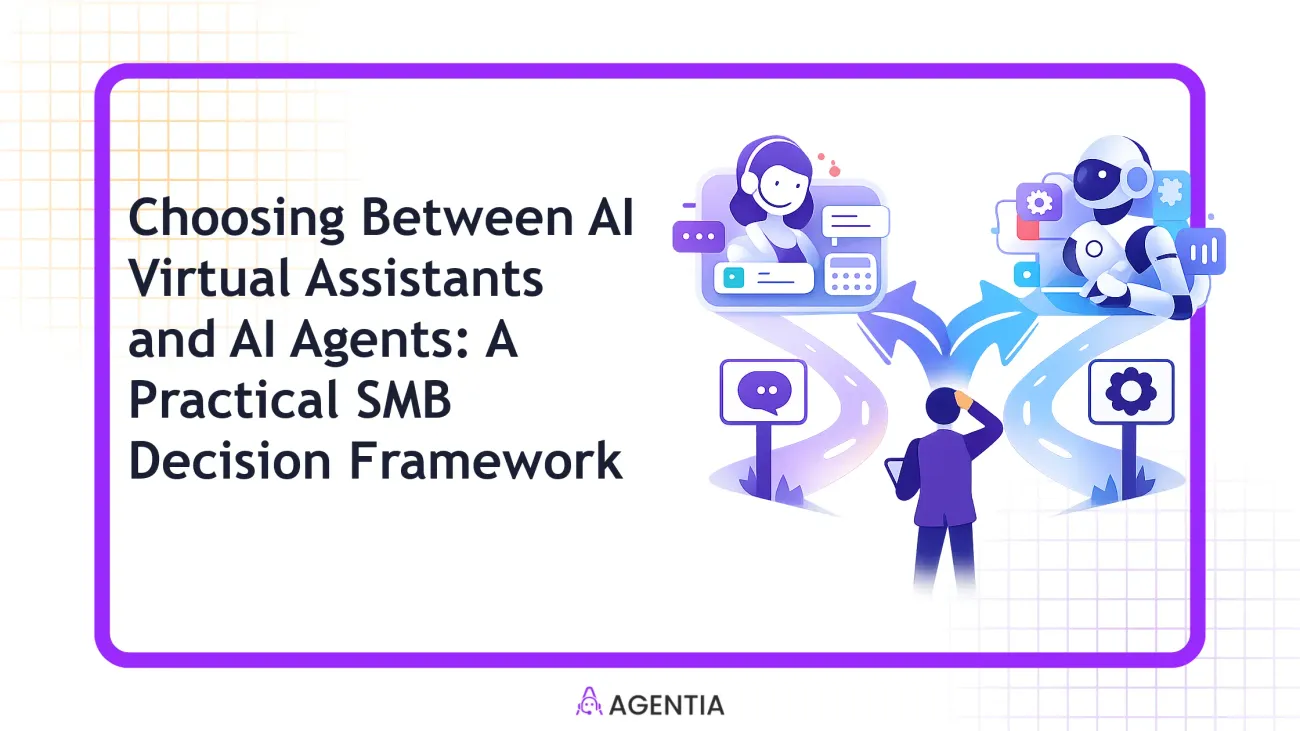
If you manage a small or mid-size business, you’re likely buried under repetitive tasks, scattered customer inquiries, and a sales cycle that could move faster. The choice isn’t simply “buy automation” or “don’t.” It’s about pairing two distinct capabilities AI Virtual Assistants (front-line helpers that handle routine work) and AI Agents (multi-step, cross-system orchestrators) in a way that fits your team, budgets, and goals. This guide delivers a practical, no-code decision framework designed for SMBs. You’ll learn what each building block does, when to use it, how to combine them, and how to implement quickly with real-world playbooks that you can adapt today.
Understanding the two building blocks: AI Virtual Assistants vs AI Agents
Think of AI Virtual Assistants (VAs) as your first line of defense and efficiency boosters. They manage inboxes, calendar scheduling, basic chat support, and routine data entry without requiring a large IT team. They excel at high-volume, low-complexity tasks that demand speed and consistency. AI Agents, by contrast, are more autonomous and capable of cross-domain actions. They can route conversations, update a CRM across apps, trigger workflows, qualify leads, book appointments, and even escalate to humans when nuance is needed. The biggest differentiator is scope: VAs handle well-defined, repeatable tasks; AI Agents orchestrate multi-step processes across systems.
In practical SMB terms, a VA might reply to common customer questions, log details into your CRM, or pop calendar invites for meeting scheduling. An AI Agent might triage a new lead, update CRM data, route the conversation to a human agent if a contract question arises, and then kick off a follow-up email in your marketing automation tool. When you combine them, you create a layered automation stack: VAs handle what they can, and AI Agents take over where workflows cross data and systems.
When to deploy a AI Virtual Assistant (no-code, lightweight, 24/7 coverage)
Use a VA when you want rapid wins with minimal setup, no internal AI expertise, and a need to handle routine, repeatable tasks at scale. If your team spends too much time on inbox triage, appointment scheduling, basic support, data entry, or social media posting, a VA pays for itself by reclaiming hours. Key decision signals include:
- High-volume, low-complexity tasks (inbound tickets, calendar slots, data capture).
- Need for 24/7 availability without human staffing at every hour.
- Limited or no in-house AI engineering capacity; a no-code or low-code setup is preferred.
- Clear escalation to humans when a task touches policy, pricing, or nuance.
Practical SMB scenarios include: a support inbox that needs triage 24/7, an admin team that handles booking and data entry, or a marketing assistant that schedules posts and basic email campaigns. The aim is to accelerate throughput and improve consistency while keeping staffing predictable.
When to deploy a dedicated AI Agent (complex workflows, multi-system orchestration, escalations)
AI Agents shine when tasks span multiple systems, require conditional logic, or involve nuanced decision-making. If your business operates across CRM, helpdesk, marketing, and sales tools, an AI Agent can:
- Qualify leads, schedule appointments, and follow up with tailored messages across channels.
- Update CRM records in real time and trigger downstream workflows in marketing automation or invoicing systems.
- Route conversations to humans with context, or escalate when pricing, discounting, or legal considerations apply.
- Coordinate cross-team actions (e.g., support, sales, finance) to close opportunities faster.
Practical SMB scenarios include: a real estate team routing inquiries to agents and booking tours, a SaaS startup updating customer data and triggering onboarding emails after a signup, or a retail business updating order statuses and generating post-purchase follow-ups across CRM and helpdesk. In each case, the Agent operates across systems with a clear decision tree and well-defined escalation rules.
A practical 4-step SMB decision framework to choose and combine VA and AI Agents
Use this framework to map tasks, test assumptions, and design a hybrid automation stack you can deploy without writing code.
| Criterion | AI Virtual Assistant | AI Agent |
|---|---|---|
| Task complexity | Low to moderate, highly structured | High, multi-step, cross-system |
| System integration | CRM-lite, email, calendars | CRM, Helpdesk, Marketing, Analytics |
| Escalation needs | Human handoff for nuance | Dynamic escalation with context |
| Throughput impact | Fast wins on volume tasks | Drives end-to-end process automation |
| Cost sensitivity | Low upfront, fast ROI | Higher upfront for cross-system value |
4-step approach:
- Inventory tasks by volume, complexity, and data touchpoints.
- Map tasks to VA vs AI Agent using the table above, then design simple pilots first.
- Prototype with no-code tools (Agentia’s VA and Agent capabilities) and validate with a small team before scale.
- Measure, adjust, and gradually expand to other functions, keeping human-in-the-loop where needed.
Real-world SMB use-case playbooks: Support, Sales, and Operations
Playbook A — Support: 24/7 triage and faster responses
A SaaS SMB with a 24/7 support inbox deployed a AI Virtual Assistant to triage common questions and log tickets into the helpdesk. Before: average first response time hovered around 30–60 minutes during off-hours. After deployment: the VA handles initial inquiries and routes complex issues to human agents, reducing average first response to under 5 minutes and increasing first-contact-resolution momentum.
Key results you could expect: higher customer satisfaction, lower agent burnout, and more consistent ticket categorization as the knowledge base grows. This is the quintessential no-code win for SMBs looking to scale support without a large support staff.
Playbook B — Sales: Lead qualification and appointment setting
An SMB services firm uses an AI Lead Qualification Agent to screen inbound inquiries and pre-qualify based on criteria (budget, timeline, decision authority). The Agent then schedules qualified meetings directly into the calendar and triggers a tailored follow-up sequence in the marketing automation tool. Over a 90-day pilot, qualified leads-to-demo appointments increased by a double-digit percentage, while the inner sales team spent less time on initial screening.
Why this works: cross-system data consistency, fewer missed opportunities, and a faster path from interest to conversation. The AI Agent handles the heavy lifting of early-stage outreach while human sellers focus on closing.
Playbook C — Operations: Order inquiries and CRM hygiene
An e-commerce SMB used AI Agents to answer order-status questions, update order notes in the CRM, and trigger post-purchase emails. The AI Agent synchronized order data across the ERP-like backend and the CRM, so customer agents had instant visibility into status changes. Within weeks, customer inquiries dropped by 40% due to proactive updates, and CRM data quality improved as fields were kept current automatically.
Takeaway: combine VA frontline support with agents that connect systems to tidy data and automate workflows across departments, turning scattered information into a single source of truth for customer-facing teams.
What can go wrong and how to avoid it
- Overcomplication: stacking too many AI Agents without clear ownership leads to maintenance headaches. Start with a concise pilot that solves a tangible pain point and expand as you learn.
- Poor data quality: AI is only as good as the data it ingests. Invest in clean knowledge bases and well-structured CRM data before scaling automations.
- Ambiguous escalation paths: Without clear SLAs or human handoffs, responses stall. Define when to escalate and what information to hand off.
- Lack of governance: No change control or versioning can create inconsistent customer experiences. Use a simple human-in-the-loop process and maintain an audit trail.
Fixes are straightforward: start small, document escalation rules, test with real users, and monitor outcomes with simple dashboards. A deliberate, measured approach beats hype every time.
How to measure success and iterate: KPIs and quick wins
Key performance indicators help you see value clearly and decide when to scale. Focus on a handful of metrics you can influence in 4–8 weeks:
- Response time reduction (first response and time to resolution).
- Containment rate (percentage of inquiries resolved without human handoff).
- Lead conversion rate and meeting-booking rate for AI-assisted processes.
- CRM data accuracy and update frequency (data hygiene score).
- Agent utilization and cost per automation (ROI clarity).
Set a weekly cadence to review these metrics, then run a quarterly experimentation cycle to add or retire automations. The goal isn’t to chase every possible improvement at once; it’s to build a predictable, scalable automation core that you can defend in a boardroom with real numbers.
Practical implementation steps (no-code) using Agentia tools
- Inventory tasks: list all repetitive, rule-based activities across support, sales, and operations.
- Map to VA vs AI Agent: decide which tasks fit the front-line VA and which require cross-system orchestration by an AI Agent.
- Prepare data: ensure your knowledge base, CRM fields, and ticket taxonomy are clean and standardized.
- Design the workflow architecture: outline how data should flow between tools (CRM, Helpdesk, Marketing, etc.).
- Prototype with no-code tools: build a small, self-contained automation using AI Virtual Assistants for front-line tasks and AI Agents for cross-system steps.
- Pilot with a single team: gather feedback, fix gaps, tune prompts, and refine escalation rules.
- Roll out progressively: expand to other teams once you’ve demonstrated stable performance.
- Monitor and iterate: set up dashboards, baseline metrics, and regular review cycles to optimize or retire automations.
In a no-code world, you can connect AI Virtual Assistants and AI Agents with familiar tools like CRM, Helpdesk, and Marketing Automation, using platforms that emphasize human-in-the-loop AI and straightforward governance. Agentia’s approach emphasizes practical automation without heavy engineering, so you can start small and scale intentionally.
Frequently Asked Questions
Should SMBs start with a VA or an AI Agent first, and how do I decide?
Start with a AI Virtual Assistant to capture quick wins and reduce manual tasks that don’t involve cross-system data. If your initial automation requires multiple tools or complex decision logic, pair that with an AI Agent. The point is to seed a reliable base, then layer capabilities as you learn what needs to scale.
Can a single tool handle both roles?
Some platforms offer both capabilities in one bundle, but the real value comes from design. A single tool can host both front-line tasks and end-to-end workflows, yet you should still segment responsibilities and governance to avoid complexity and maintenance drag.
How long does it take to implement and see ROI?
A focused pilot can show value in 2–4 weeks, with a broader rollout over 6–12 weeks. ROI depends on the scope, data readiness, and how quickly you can standardize workflows and measure outcomes.
How do I estimate cost and ROI for a mixed VA + AI Agent setup?
Start with a use-case that saves the most time per week, calculate saved hours in dollars, and compare to the monthly subscription costs of your automation platform. The fastest ROI typically comes from front-line tasks that scale across teams with consistent outcomes.
Helpful Links
Here are a few resources to explore next, from the pool of Agentia content and ways to connect with our team.
Next step: Ready to start automating your SMB without code? Book a time to talk through your setup and we’ll tailor a practical plan that fits your team and budget.
CTA: Book a time to talk through your setup