No-Code Automation for SMBs: An n8n‑Powered Playbook with CRM & Helpdesk Integrations
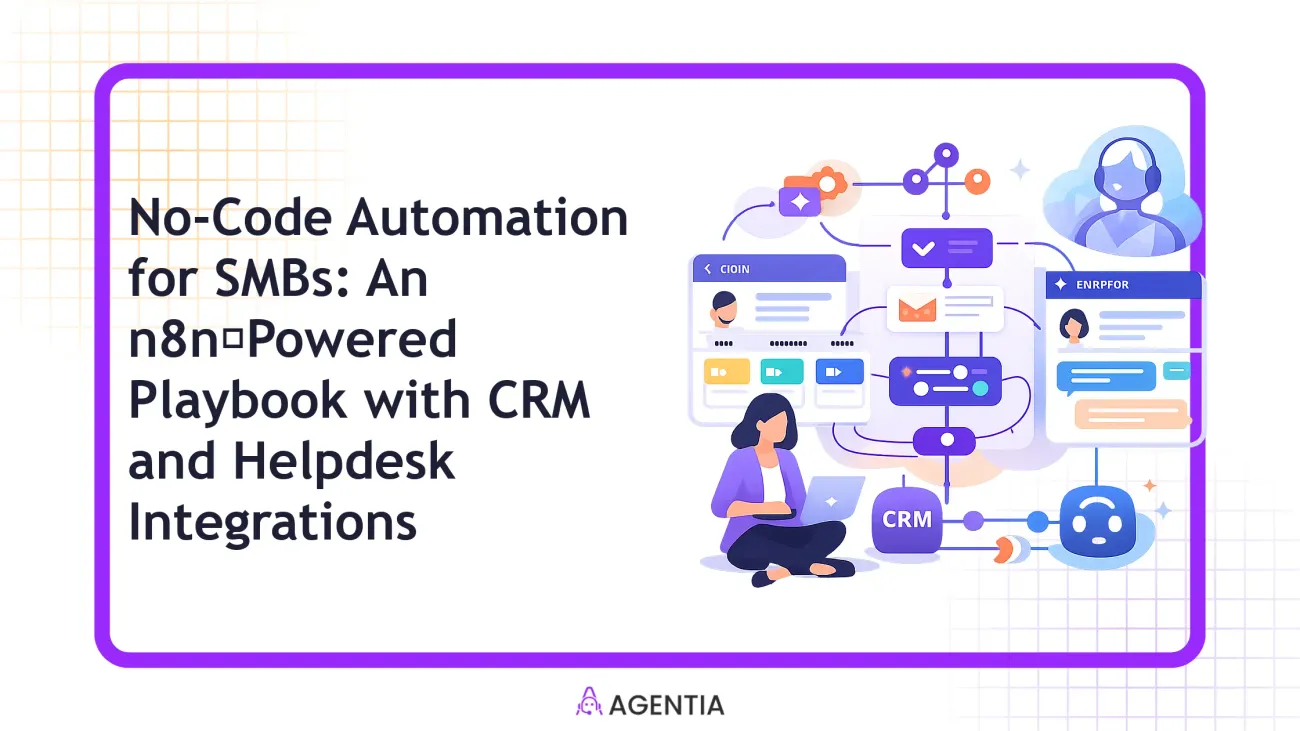
Why SMBs need no-code automation with n8n
Small and mid-sized businesses thrive on speed and personal touch, but they rarely have the luxury of a full automation or AI engineering team. No‑code automation offers a practical path: you can assemble end‑to‑end workflows by visually wiring apps together, test them quickly, and scale as your needs evolve. The core idea is to remove manual drudgery copy-paste data, duplicate entries, chase leads, or triage tickets so people can focus on high‑value work like closing deals and solving customer problems.
Agentia’s approach combines AI agents and human‑in‑the‑loop escalation with no‑code orchestration. That means you can deploy automation that handles repetitive steps, while a human can step in when context or nuance matters. For SMBs, this balance is crucial: it reduces toil without sacrificing the human judgement that customers rely on. In practice, you’ll want flows that run around the clock, with clear handoffs and easy governance so you don’t end up with spaghetti logic and confusing ownership.
The n8n-powered SMB playbook: CRM and Helpdesk integrations
Two integration pillars anchor the playbook: CRM automation for lead capture, qualification, and lifecycle updates; and Helpdesk automation for ticket triage, response routing, and knowledge‑base enablement. Together, they form a lightweight, scalable backbone SMB teams can own. The power of n8n is its no‑code canvas and broad app ecosystem. You don’t need to write code; you connect nodes, set simple conditions, and publish.
To keep this practical, we’ll present templates and governance practices you can start adopting today. For clarity, here’s a quick table of common SMB automation patterns and what they deliver.
| Automation Area | What It Delivers |
|---|---|
| Lead Capture to CRM | Automatically creates or updates a contact when a form is submitted; triggers a nurture email and qualification path. |
| Ticket Triage to Knowledge Base | Classifies tickets, routes to the right agent or knowledge base article, and updates the ticket with suggested responses. |
Step-by-step SMB playbook
- ) Map your outcomes and data surfaces
Define what success looks like. For example, aim to increase lead-to-contact speed by 40% and reduce first-response time for tickets to under 15 minutes. List the data sources you’ll touch (web forms, email, chat, CRM, Helpdesk) and decide which fields are non‑negotiable (name, email, company, priority, product line).
- ) Choose triggers and initial flows
Triggers are the entry points. Popular SMB triggers include form submissions, new tickets, and inbound emails. Start small: a form submission should create/update a CRM contact, trigger a welcome email, and queue a lead‑qualification task for a human if the lead score is low.
- ) Design your n8n flow with two anchors
Anchor 1 is the CRM flow: Webhook (for form data) → CRM Upsert → Lead Scoring → CRM Update. Anchor 2 is the Helpdesk flow: Webhook (from emails or tickets) → Ticket Triage → Knowledge Base Lookup → Ticket Routing or Human Handoff. A single flow can branch, but keep it readable and well documented.
Tip: use descriptive node names and comments. It makes governance and handoffs easier as your team grows.
- ) Create templates and prompts
Templates are your repeatable accelerants. For emails, draft a standard welcome message; for tickets, draft recommended responses and canned knowledge base links. In Agentia’s approach, these templates blend AI agent suggestions with human review when needed, so you get consistent customer language without sacrificing accuracy.
- ) Govern data and access
Set up role‑based access, version control, and change logging inside your automation workspace. Make sure data retention, privacy, and compliance requirements are defined. A simple practice is to require a weekly change review and a quarterly security check on permission sets and API credentials.
- ) Test, iterate, and scale
Test with sandbox data first, then run a pilot with real users. Track key metrics, look for bottlenecks, and gradually expand automation. The SMB advantage is speed and you’ll want governance rituals to keep it from spiraling into chaos.
Worked example: A small SaaS vendor handles about 25 form submissions and 6 tickets per day. After deploying the two anchors above with a human‑in‑the‑loop review for high‑risk leads, the company cut lead response time from 2 hours to 8–12 minutes and reduced manual data entry by 60%. That’s real impact without a full‑time AI engineering squad.
Templates you can copy today
Below are two starter templates you can adapt in your n8n workspace. They assume you have a CRM (e.g., generic CRM Upsert) and a Helpdesk (e.g., ticket creation/update) connected in your environment.
Template A — Lead Capture, CRM Upsert, Welcome Email
- Trigger: Webhook receiving form data (name, email, company, product interest).
- Action: CRM Upsert with email as the unique key; populate name, company, product interest; set lead score.
- Action: If lead score ≥ 60, enqueue a nurture email; else assign to sales for follow‑up plus a notification to a human agent.
- Action: Log to analytics and update CRM with initial status.
Template B — Ticket Triage to Knowledge Base
- Trigger: New support ticket with category and priority metadata.
- Action: Classify ticket with simple keyword rules; fetch related knowledge base articles.
- Action: Respond with a suggested answer and link to a KB article; if confidence is low, route to a human agent with context notes.
- Action: Update ticket with suggested response and close loop on knowledge base hits.
Governance, security, and cost controls
Automation for SMBs shouldn’t become a security headache. Start with a lightweight governance model: assign an automation owner, document every flow, and review monthly. Use rate limits for API calls to control costs, and enable versioning so you can roll back if a change produces unexpected results. For data privacy, establish a minimal viable data retention policy and ensure PII is masked where possible in logs and exports. If you’re using AI agents, keep a human handoff for sensitive inquiries to maintain trust and accuracy.
Measuring success and common pitfalls
Key metrics to watch include lead response time, lead-to-opportunity conversion rate, average ticket resolution time, and automation coverage (percent of repetitive tasks automated). A common pitfall is trying to automate too much at once or layering on too many flows without governance. Start small, prove success, then scale with clear ownership and change management. Remember: automation should amplify your people, not replace them entirely.
Real-world scenario: before and after
Imagine a service business with 3 agents handling 60 tickets per day and a marketing team capturing 25 new leads daily. Before automation, tickets sat in a queue for hours, and leads required manual data entry into the CRM. After implementing two core n8n flows (CRM lead capture and ticket triage with HR handoff), the business sees:
- Average response time to new leads drops from 2 hours to 12 minutes.
- Lead data is consistently captured and enriched, reducing manual entry by 55%.
- Tickets are routed to the right team with suggested responses, increasing first‑contact resolution by 20%.
Quote from a hypothetical operations lead: “We didn’t hire engineers to get here, yet we gained predictable processes and faster customer interactions.”
Conclusion and takeaways
No‑code automation with n8n offers SMBs a practical, scalable path to automate CRM and Helpdesk workflows without needing a dedicated AI team. Use templates, build governance, and start with small, measurable wins. As you grow, you can expand flows, layer in AI agents for repetitive tasks, and maintain human oversight where it matters most.
Agentia’s approach is to blend AI automation with human‑in‑the‑loop oversight so you gain efficiency without compromising accuracy or customer trust. The playbook above is a jumping‑off point—adapt it to your data, tools, and people.
Frequently Asked Questions
What is no-code automation for SMBs?
No-code automation lets business teams connect apps and automate processes without writing software. Using visual builders like n8n, you can create flows that capture leads, update CRMs, triage tickets, and trigger emails—reducing repetitive work and speeding up customer interactions.
Why use n8n for SMB automation?
n8n provides a flexible, visual canvas to assemble flows across many apps without code. It scales from tiny workflows to more complex orchestration, while keeping governance straightforward. For SMBs, that means faster time‑to‑value and the ability to iterate without a dedicated engineering squad.
How do I integrate CRM and Helpdesk with n8n?
Start with reliable connectors for your CRM and Helpdesk, define triggers (form submit, ticket create), and map key fields (name, email, ticket priority). Build two anchor flows—one that updates the CRM and sends nurture emails, and another that triages tickets using knowledge base articles and human handoffs when necessary.
What are common pitfalls when starting no-code automation?
Don’t automate in a vacuum: misaligned data fields, unclear ownership, or no change management will cause confusion. Avoid sprawling flows that are hard to troubleshoot. Start with a small, well‑documented use case, then scale with governance and proper testing.
Helpful Links
Explore more resources and next steps:
Ready to take the next step?
Book a time with Agentia to tailor a no‑code automation plan for your SMB, including CRM and Helpdesk integrations that fit your tools and data flows.