Why Automated Quotation Could Be the Game-Changer Your Small Business Needs
If you run a small service business, you know how messy quoting can get. One customer wants a discount. Another needs a custom package. You scramble to find pricing sheets, double-check costs, and hope you didn't miss something important. Sound familiar?
I've noticed that the businesses that stop losing deals over quoting are not always the biggest or the flashiest. They're the ones who made quoting predictable, fast, and error free. Automated quotation does that. It cuts the busywork out of pricing and gives teams time to focus on selling and delivering.
What is automated quotation?
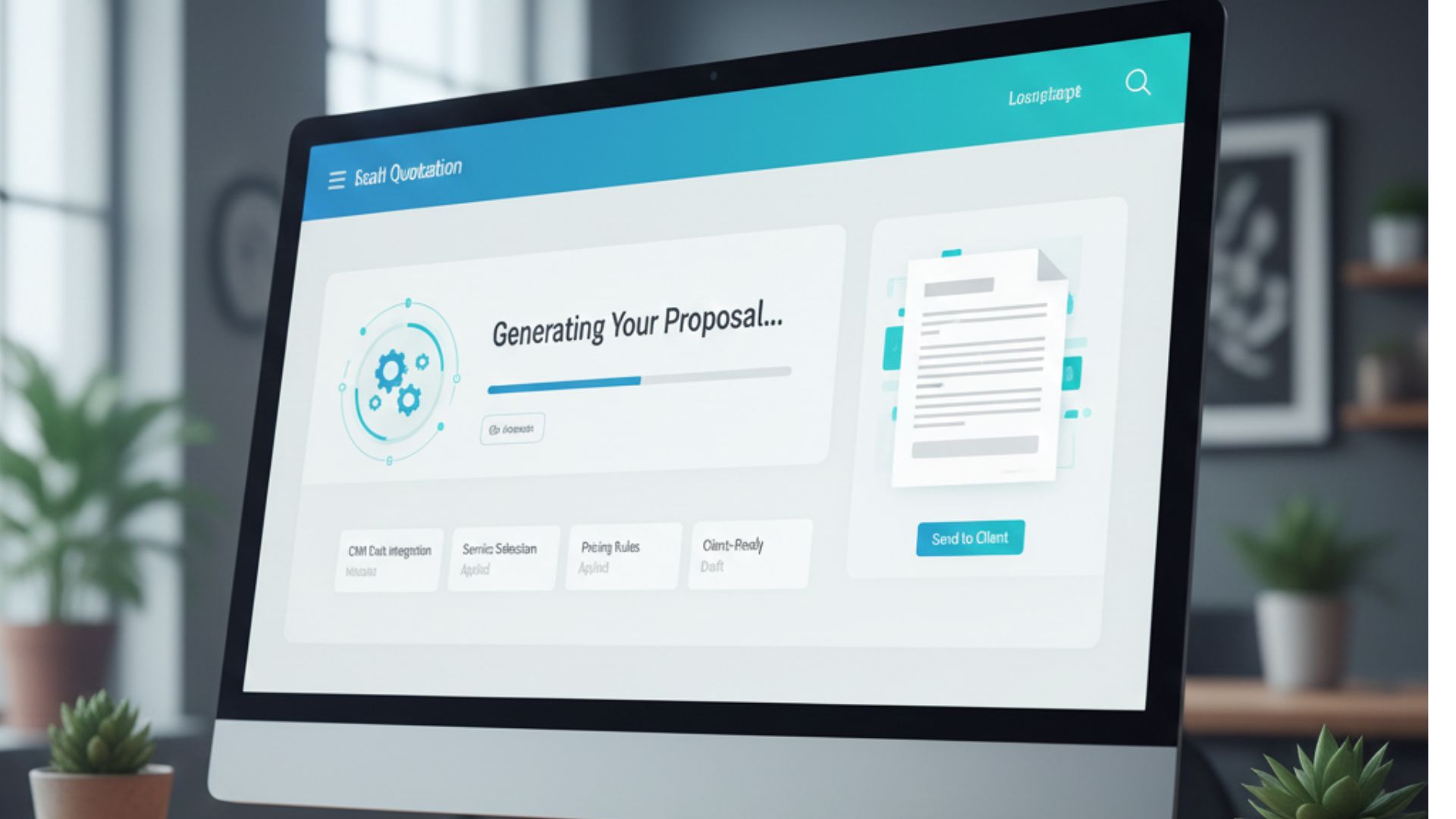
Automated quoting is a digitally integrated quoting process that, by means of rules and templates, automatically creates estimates or proposals. Rather than manually drafting every single quote, you select the services or products, implement the pricing rules, and the system generates a formal estimate. It might also be able to incorporate taxes, discounts, margins, optional goods, and shipment dates. Some tools also let customers accept and sign online.
In simple terms, it changes the process of manually quoting from untracked paperwork into a trackable, repeatable workflow. You can imagine it as a tool that automates your estimates, which is accessible from your instruments and communicates with your CRM and accounting software.
Why small businesses should care
You're probably thinking, automated quotation sounds like something for big companies. But it's actually a huge win for small teams. Here are the clear benefits I've seen in the field.
- Save time. Every minute you spend manually building quotes is time not spent closing jobs, training staff, or improving services. Automation frees up that time.
- Reduce errors. Manual copying and spreadsheet formulas lead to mistakes. Errors cost money and trust. A digital quoting system reduces those slip ups.
- Speed up sales. Faster quotes mean faster decisions. In many service industries, customers expect a quick turnaround. Automation helps you respond in hours instead of days.
- Consistent pricing. Templates and rule sets keep prices consistent across sales reps and locations. That protects margin and customer fairness.
- Professional presentation. Clean, on-brand proposals look better and help you win work.
- Scale without chaos. As you grow, manual quoting breaks down. Workflow automation tools let you scale without adding a full-time quoting manager.
These benefits matter for owners, sales teams, operations managers, and anyone responsible for cash flow and client experience.
How quotation automation actually works
Let’s break it down into steps so it’s not scary. Most good systems follow a simple flow.
- Product and service catalogue. You build a list of items with prices, unit costs, and optional add-ons. This is your single source of truth.
- Pricing rules. Set discounts, markups, bundle prices, or time-based rates. Rules apply automatically so reps don't have to remember everything.
- Templates. These are your proposal layouts. They include terms, scope, and visuals. Pick a template and the system fills the details.
- Approval workflows. For big or risky quotes, route proposals for manager approval before sending to the client.
- Delivery and tracking. Send quotes by email, share links, or let clients view them online. Track opens, views, and acceptances.
- Integration. Integrate quotes with CRM, invoicing, inventory, or project management tools in such a way that the accepted proposals are automatically converted into jobs.
Every step takes away the manual work and ensures data continuity. In case you haven't linked your quoting with your other systems, you are still producing bottlenecks.
Simple example: a small web agency
Here's a simple scenario. A small web agency sells website builds. Instead of manually assembling a quote per client, they create:
- A list of service tiers: Basic, Standard, Premium
- Add-ons: SEO setup, monthly maintenance, extra pages for enterprise seo services
- Policies: 10 percent discount for nonprofit clients, fixed price for an emergency rush
- An orderly proposal format with the terms and milestones of the client.
When a lead requests a website, the salesperson selects a package, adds some options, and the automated estimate tool produces a proposal that is ready to be sent with just a few clicks. It is consistent, speedy, and the lead gets to see a neat document which is in fact trustable.No back-and-forth needed for math checks.
Common mistakes small businesses make when adopting quotation automation
I've seen teams throw money at tools without thinking through process. That rarely ends well. Here are common pitfalls and how to avoid them.
- Overcomplicating rules. Some businesses try to encode every pricing quirk into the system. That makes maintenance hard. Start small. Automate common scenarios first.
- Poor product data. If your catalogue has wrong costs or missing items, automation just makes bad quotes faster. Clean up your product list before rolling out.
- No stakeholder buy-in. Sales, operations, and finance need to agree on pricing rules. Run a short workshop so everyone understands the new flow.
- Skipping integration. If quotes don't talk to your CRM or invoicing, you create manual handoffs. Connect the basics first: customer records and accepted quotes.
- Bad templates. A sloppy template sends the wrong message. Keep templates clear, with scope, timelines, and terms. Test them with a few clients.
Most of these are avoidable with a short audit and a phased rollout.
Quick wins you can implement this week
If you're curious but overwhelmed, try these low-effort fixes that deliver immediate value.
- Create one product catalogue showing prices and costs. If you are not ready for a tool, then even a simple spreadsheet will help.
- Have just one proposal template that you utilize for 80 per cent of the work. Do not put the optional items in the main part, but list them at the end.
- Set up basic approval for quotes above a threshold. That avoids margin leaks.
- Enable online acceptance and e-signatures so accepted quotes become orders faster.
- Track how long it takes to produce a quote now and then compare it after automation. You want to measure improvement.
These moves don't require a big budget and they reduce friction right away.
How to pick the right tool
There are lots of options out there. The wrong one wastes time. Here are practical criteria I use when evaluating a vendor.
- Ease of setup. Can a non-technical person configure the catalogue and templates?
- Integration. Does it connect to your CRM, accounting, and calendar? At minimum, it should sync customer data and accepted quotes.
- Customization. Can you model your pricing and approval rules without coding?
- Reporting. Does it show quote-to-close metrics and pipeline health?
- Mobile access. Your team may need to send quotes from the field.
- Support and onboarding. Is help available when you need it?
- Security and compliance. Especially if you handle sensitive pricing or client data.
For many small businesses, the sweet spot is a tool that's configurable but not overbuilt. You want an automated estimate generator that helps you move faster, not one that requires a full-time admin to run.
ROI in plain terms: how the math works
People ask if automated quotation pays for itself. The short answer is usually yes, and here's a simple way to think about it.
Choose two figures: the time that is saved for each quote and the worth of that time. Let's say, if automation frees one hour for a single quotation and you are making ten quotations per week, then you have saved ten hours. If the combined hourly cost of your team is 30 dollars, then that is equal to 300 dollars per week. When you calculate it for a year, it becomes a considerable amount of money.
Then add other benefits: fewer lost deals because you respond faster, fewer errors that eat margin, and less admin work for invoicing and data entry. Even modest improvements in win rate or margin can cover the cost of the tool.
Here's a quick example calculation.
- 10 quotes per week
- 1 hour saved per quote
- Hourly cost 30 dollars
- Weekly savings 300 dollars
- Annualized savings roughly 15,600 dollars
If your quoting tool can save 10 hours of your time per week, then it is capable of paying for itself very fast. The real figures vary according to your business, but the reasoning is always the same: by automating the repetitive tasks, you create more time for activities that have a higher value.
Real use cases across industries
Automated quotation isn't only for software or agencies. Here are concrete, short examples across a few industries so you can picture how it applies to your business.
- Plumbing and electrical. Field techs send a quote from their phone after an inspection. The customer accepts and pays a deposit right away. Jobs start sooner and scheduling is cleaner.
- Marketing agencies. Standard retainers and add-on services become simple checkboxes. Proposals show timelines and deliverables so clients know exactly what to expect.
- IT managed services. Bundled packages with per-seat pricing and optional support tiers work well with pricing rules. Renewals can be automated too.
- Construction sub-contractors. Estimates often have the same line items. Automating these reduces errors and speeds approvals with general contractors.
- Consulting. Hourly rates, travel expenses, and variations by consultant level are handled by rules. That makes proposals transparent and professional.
Each industry has its quirks, but the core idea is the same: make quoting repeatable and predictable.
Implementation roadmap for small teams
You're not launching a rocket. A pragmatic rollout works best. Here is a simple step-by-step plan that's worked for many teams I’ve advised.
- Audit current quoting. How long does it take? Where do errors happen? What data do you reuse? Capture real examples.
- Standardize product data. Create a catalogue with prices and costs. Start with your top 20 items or services that represent most revenue.
- Define pricing rules. Keep rules simple. Set default margins and common discounts. Identify the exceptions that need approval.
- Choose a tool. Prioritize ease of use and integrations. Run a short trial with one salesperson and one operations person.
- Pilot. Use the tool on real quotes but keep the old process as a fallback. Collect feedback after two weeks.
- Train and roll out. Train staff for 30 to 60 minutes. Use a short cheat sheet with common tasks.
- Measure and iterate. Track quote turnaround time, conversion, and errors. Make small changes regularly.
Small, iterative steps reduce risk and get you results faster than a big bang approach.
Integrations that matter
Connecting your digital quoting system to tools you already use multiplies the benefits. Here are integrations to prioritize.
- CRM so client details and opportunities flow into quotes
- Accounting for invoicing and revenue recognition
- Calendar and scheduling tools to set start dates automatically
- Inventory or parts management if your services include materials
- Payment processors for deposits and online payments
If your tool has an API or native connectors, you can automate accepted quotes turning into invoices or work orders. That removes the manual handoff and cuts delays.
AI based sales assistant: friend or fluff?
You might see features marketed as an AI based sales assistant. Some are genuinely helpful. Others are just chatbots that repeat FAQs. In my experience, the useful ones do two things well.
- They suggest pricing bundles or add-ons based on customer profile. That helps reps upsell without memorizing rules.
- They summarize the key points of a proposal for quick review, saving managers time during approvals.
Don't buy AI for the sake of AI. Look for features that reduce work and increase revenue, like suggested upsells that are actually relevant to the client.
How quotation automation improves customer experience
Faster quotes and clearer proposals make customers happier. But there's more to it than speed. Here are practical improvements customers notice.
- Clear scopes reduce misunderstandings and disputes
- Embedded terms and timelines set expectations before work starts
- Online acceptance and payment shorten the path to starting the job
- Consistent branding builds trust across every touchpoint
A polished quote isn't fluff. It reduces friction, lowers churn, and often leads to a better onboarding experience once the project begins.

Common objections and how to answer them
People raise sensible concerns. Here are the common ones and responses that work in conversations with owners and managers.
- It will be expensive. Start small. The cheapest ROI is cleaning up your product catalogue and using one template. Many tools offer free trials so you can test with real quotes.
- Our pricing is too custom. You can automate the common cases and keep manual options for complex deals. Gradually move more scenarios into automation.
- My team won't use it. Involve sales reps early. Make the tool save them time. If it makes their life easier, they adopt it fast.
- It takes too long to set up. A basic setup can be done in days. Start with high-volume items and expand.
Objections are often about fear of change. Show small wins and the rest follows.
Security, compliance, and legal basics
When you're automating quotes, you're handling financial commitments. Don't ignore security and compliance. At a minimum:
- Ensure data is encrypted at rest and in transit
- Restrict who can change prices and who can approve quotes
- Keep an audit trail of who edited or approved a proposal
- Store signed agreements and records for the duration required by your jurisdiction
These are basic controls, but they matter if you want to scale without headaches.
Avoid feature bloat: keep it human
It's tempting to chase lots of features: fancy templates, complex rule engines, multi-currency support, custom scripting. But feature bloat can slow adoption. Prioritize solving one or two major pain points first. Add the extras later.
Ask yourself: does this feature save time or increase revenue? If not, leave it off the list for now.
How to measure success
Define simple metrics so you know the project worked. Keep measurements focused and actionable.
- Quote turnaround time from request to send
- Quote-to-close conversion rate
- Average revenue per accepted quote
- Number of manual edits or correction tickets
- Time spent on quote-related admin tasks per week
Measure these before and after the rollout. Small teams often see the biggest relative gains because their processes were very manual to begin with.
Case study snapshot
I once worked with a small managed IT firm that was losing deals because quotes took days. They standardized their service catalogue, used an automated estimate generator, and tied quotes to their CRM. In three months they cut average quote time from four days to six hours. Their close rate improved and they stopped burning time on re-entering accepted quotes into billing software. The change was pragmatic, not glamorous, and it stuck because it made everyone's job easier.
Next steps for your team
If you're curious but unsure where to start, try this checklist. It’s short, practical, and gets real progress without a big commitment.
- Pick one person to own the initial audit
- List your top 20 products or services and their costs
- Create one proposal template and one approval rule
- Trial a tool for 30 days with two sales reps
- Measure quote times and conversion for six weeks
You'll have a lot of useful data after six weeks and a clearer sense of what to expand next.
Why Agentia fits this problem
Agentia builds workflow automation tools for teams that need pragmatic, fast results. If quotation automation is on your list, Agentia offers a digital quoting system and an automated estimate generator that connects to your existing workflow. The platform includes an AI based sales assistant that suggests relevant add-ons and helps speed approvals, but it also focuses on solid basics: reliable pricing rules, clean templates, and integration with CRM and accounting tools.
In my experience, tools that combine simplicity with strong integrations win with small businesses. Agentia's approach is to reduce setup time and get you measurable wins fast. If your goal is to streamline quoting and free up time for higher-value work, it’s worth a look.
Final thoughts
Quoting is more than paperwork. It's a customer touchpoint, a cashflow lever, and a place where mistakes can cost profit. Automated quotation turns a repetitive, error-prone task into a predictable part of your sales workflow. You get faster responses, clearer proposals, and fewer painful manual handoffs.
If you're a small business owner, operations manager, or part of a sales team, don't wait until quoting becomes a bottleneck. Start small, measure impact, and scale. You'll be surprised how much smoother things run when quoting stops being a full-time job.
Quick tip: start by standardizing your top 10 services. Build one template and measure quote time. That small step will tell you more than hours of planning.
Helpful Links & Next Steps
Ready to try it?
If you want to see automated quotation in action, try the platform and see how much time you can save. Try Automated Quotation & Start Saving Hours Today: https://meet.kalnexa.com/agami/agentia
Frequently Asked Questions (FAQs)
1. What exactly is automated quotation?
Automated quotation is a digital process that generates estimates or proposals using predefined rules, pricing data, and templates. Instead of manually assembling quotes, the system automatically calculates prices, applies discounts, includes taxes, and produces a professional proposal ready to send.
2. Is automated quotation only for large companies?
Not at all. Small businesses benefit even more because they save time, avoid pricing mistakes, and respond faster than competitors. Automation makes small teams operate with the efficiency of much larger ones.
3. What do I need to set up automated quotation?
You typically need three things:
-
A product or service catalogue with pricing,
-
Basic pricing rules (discounts, markups),
-
A proposal template.
Many tools guide you through setup in a few hours.
4. Will automated quotation work if my pricing is very custom?
Yes. You can automate the common scenarios while still allowing manual overrides for unique or complex deals. Over time, you can add more rules as patterns emerge.
5. How long does it take to implement?
Most small teams can get a basic setup running within a few days. A simple rollout, catalogue, one template, basic approvals is usually enough to start seeing results.
6. How does automated quoting improve accuracy?
By using standardised pricing rules and a single source of truth for services and costs, the system reduces manual data entry errors, spreadsheet mistakes, or inconsistent discounts.
7. Can automated quotation integrate with my existing tools?
Most modern platforms integrate with CRM, accounting, invoicing, and project management tools. Integrations reduce duplicate entry and convert accepted quotes directly into jobs or invoices.
8. Does automated quotation help with upselling?
Yes. With an AI-based sales assistant or rule-based suggestions, the system can recommend add-ons or bundles relevant to the client, improving both revenue and customer fit.
9. What metrics should I track to measure success?
Key metrics include quote turnaround time, quote-to-close rate, average revenue per quote, error rates, and total time spent on quoting tasks per week.
10. Is this secure for sensitive client data?
A reliable quoting tool will offer encryption, access controls, user permissions, and audit trails. Always choose a vendor that follows basic compliance and data protection standards.
11. What if my team doesn’t adopt the tool?
Start with a small pilot group and choose a tool that genuinely saves time. When reps see how fast it makes them, adoption typically follows naturally.
12. How fast does automated quotation pay for itself?
For many small businesses, it pays for itself within weeks. Even saving one hour per quote can translate into thousands of dollars annually in reclaimed time and improved win rates.
13. Why choose Agentia for automated quotation?
Agentia focuses on simplicity, strong integrations, and fast setup. It offers AI-powered suggestions, reliable pricing automation, and a workflow that fits small business needs without unnecessary complexity.