AI-Powered Age Progression Services Now on Agentia.support
If you're working in customer support, product management, or running a digital service platform, you might have noticed how expectations for personalization keep climbing. People want interactive, visual experiences, not just text. That's why I'm excited to share that Agentia now offers AI-powered age progression services on Agentia.support. This feature gives teams a new way to engage users with believable face transformation results, while keeping the integration simple and secure.

Why age progression matters for modern digital experiences
Think about a chat where a customer can see how a product might look on them years from now. Or an onboarding flow where users can explore identity variations for creative projects. Those moments are sticky. They spark curiosity, drive clicks, and increase session length.
Age progression isn't just a gimmick. It can be a useful tool for:
- Customer engagement and retention
- Creative marketing campaigns
- Digital identity exploration and education
- Training synthetic avatars for long-term simulations
In my experience, features like this work best when they're thoughtfully integrated into existing user journeys. A standalone toy app has its place, but adding age progression to an ai customer support chatbot or a product configurator multiplies its value.
What Agentia's AI age progression offers
Agentia's new feature focuses on delivering realistic AI face transformation while keeping privacy and usability front and center. Here are the practical capabilities you can expect:
- High-quality age progression and regression that preserves identity traits
- Fast inference suitable for real-time interactions in web or chat UIs
- Flexible API endpoints so you can plug the feature into support workflows or digital platforms
- Controls for output style, intensity of age change, and retention of accessories like glasses
- Built-in safety checks and moderation options for responsible use
It’s not magic. It’s tuned machine learning models that focus on face structure and texture while avoiding dramatic, unrealistic alterations. I've tested similar features before, and the trick is balancing realism with identity preservation. Agentia has leaned toward subtlety, which helps with trust and user comfort.
How it works — explained simply
You don't need a PhD to get how this integrates. The basic flow looks like this:
- User uploads a photo or selects an avatar
- Your app sends the image to Agentia's age progression API
- The model returns transformed images at chosen age intervals
- Your interface shows the results, and the user can save or share
Under the hood, the model relies on learned mappings between facial features and age-related changes. That sounds complex, but the important part for you is this: the API accepts common image formats, provides settings to control outcomes, and returns results quickly enough for chat and support flows.
One practical note: image quality matters. Low-light or extreme angles will reduce accuracy. A simple UX nudge to ask users for a clear, front-facing photo goes a long way.
Use cases that actually add value
Let’s walk through a few simple, realistic ways teams use AI age progression. These are not hypothetical marketing fluff. I've seen or advised on projects where these patterns worked well.
1. Enhanced customer support conversations
Support agents often need to clarify expectations. Imagine a return center discussing long-term care for a product. A user uploads a photo and a support bot shows how a product fit might look in five or ten years. That's visual proof that builds confidence.
Integrating Agentia with your ai customer support chatbot can make these conversations faster and more human. The bot can offer age-progressed previews inline and prompt follow-ups, such as product care advice or warranty information.
2. Personalization in digital platforms
Social apps and creative tools benefit from playful, personal features. Allowing users to age themselves for a creative profile or to visualize character arcs in storytelling apps increases time on site and sharing rates.
Quick example: a storytelling platform adds an "aging toggle" for characters. Users spend more time crafting backstories because they can visualize characters across decades. That drives engagement metrics and retention.
3. Identity exploration and education
Healthcare education and awareness campaigns can use age progression to illustrate effects of habits like sun exposure or smoking on long-term appearance. When done sensitively, these visuals are powerful educational tools.
4. Creative and marketing campaigns
Retail brands can show how styles age or how a hairstyle might evolve over time. In my experience, campaigns that let users try something on themselves get higher conversion than static demos.
Integration tips for product teams
Adding a new AI feature is a project, not just a button. Here are practical steps I recommend.
Start with a limited rollout
Ship to a small portion of users first. Use the early data to tune defaults and UX wording. If the output is too dramatic, you'll hear about it quickly. If it's too subtle, you'll miss the wow factor. Iteration matters.
Design clear consent flows
Photos are sensitive data. Always ask for explicit permission before processing images. Make it easy to delete images and keep users informed about where their photos are stored and for how long.
Keep latency low
Real-time chat requires snappy responses. If your current architecture routes every media upload through multiple steps, simplify that path for age progression requests. Consider async processing with progress updates for longer jobs.
Offer simple controls to users
Not everyone wants to see an extreme age change. Provide a slider for years and a preview step before users save or share. These small controls reduce regret and complaints.
Log and monitor outputs
Track usage, error rates, and user feedback. Look for common failure modes like misaligned faces, odd lighting artifacts, or unintended transformations. Monitoring helps you catch and roll back problematic model settings quickly.
Common mistakes and pitfalls
I've seen a few recurring issues when teams add image transformation features. Avoid these to save yourself headaches.
- Assuming every image will work. Low-resolution or profile-angle photos often fail. Add pre-checks and prompts for better images.
- Ignoring consent and privacy laws. Local regulations vary. Ask legal early and document user choices.
- Letting the feature overpromise. If the age progression is not medically accurate, say so. Honest language prevents complaints and legal risk.
- Skipping moderation. Some transformations can be misused. Have rules and an escalation path for content review.
- Poor UX for sharing. Make it obvious whether an output is saved locally, shared publicly, or stored on your servers.
Security, privacy, and ethics
These topics are not optional. Users expect responsible handling of biometric-like data. Here’s how to approach them practically.
Minimize data retention
Store images only as long as necessary. If you can process and return results without permanent storage, do that. When you must store images, encrypt them and keep retention policies short.
Be explicit about use
Tell users why you need their image, how it will be used, and who can see it. Short, plain-language notices work better than long legalese.
Implement content moderation
Some images might be inappropriate or violate terms. Use both automated filters and human review for edge cases. Agentia's feature includes moderation hooks, which helps keep things compliant.
Consider opt-in personalization
Allow users to opt into saving age-progressed versions for future personalization. That keeps control in their hands and opens up richer experiences for returning users.
Performance and scaling
Expect variable demand. A marketing launch can spike usage suddenly. Plan for elastic scaling and caching where appropriate.
We recommend this approach:
- Queue larger jobs and provide progress feedback
- Cache repeated requests for the same image and settings
- Use worker instances for heavier batch processing
- Monitor GPU utilization and add capacity before a known campaign
In practice, small teams can start with synchronous calls for QA and move to async processing for production. I've seen teams cut costs by batching non-real-time jobs overnight.
How it fits with ai customer support chatbot workflows
Support bots are getting smarter. Adding visual tools like age progression lets agents resolve questions faster and adds a human touch to automation. Here are a few integration patterns I've seen work well.
In-chat previews
The bot prompts for an image, sends it to Agentia, and returns inline previews. The agent can then suggest follow-up actions, like product recommendations or care tips.
Ticket enrichment
Attach age-progressed images to support tickets to provide context for human agents. This can speed decision-making and reduce back-and-forth with customers.
Interactive troubleshooting
For some product support cases, visualizing future wear can help diagnose issues that would otherwise be hypothetical. Use age progression to compare current vs expected long-term outcomes.
Measuring success
To know if the feature is working, measure a few simple metrics:
- Engagement: click-through rates and time-on-page for flows that use age progression
- Conversion: any lift in purchases or signups after introducing the feature
- Support efficiency: reduced ticket time or fewer follow-up messages
- User satisfaction: direct feedback, NPS, or ratings tied to the feature
- Moderation incidents: frequency and types of issues flagged
In early experiments, even modest engagement lifts can justify the feature if it increases sharing or improves support resolution times.
Practical examples and simple demos
Here are three short, real-world style examples you can adapt quickly.
Example 1: Retail try-on
A fashion team adds an "Age Preview" to product pages. Users upload a selfie, preview how a hairstyle or accessory looks at different ages, and the site logs which products are most previewed. The result is higher add-to-cart rates for items that get strong preview interest.
Example 2: Support triage
A device manufacturer uses age progression to show how exposure affects product appearance. Support bots attach the images to the ticket. Agents use those images to advise on maintenance plans, reducing repeated shipments for cosmetic complaints.
Example 3: Creative storytelling app
An indie app for writers uses age progression to help authors visualize characters across decades. That simple tool increases session length and content uploads, because users save multiple character variants for their drafts.
Common implementation checklist
Before shipping, make sure you cover these bases. This list came from projects I've helped launch, and it catches the usual gaps.
- Consent and privacy language reviewed by legal
- Moderation and reporting workflow in place
- Performance testing for expected peak usage
- UX controls for intensity, save, and share
- Clear error messaging for bad inputs
- Logging and analytics mapped to key metrics
- Fallbacks for unsupported image types or failed transforms
Pricing and operational considerations
Different teams will have different cost tolerances. If you're running a free consumer feature, consider limiting high-frequency calls or offering the full experience behind a premium tier.
Also, factor in moderation costs. Automated filtering reduces human hours, but you'll want humans on hand for edge cases. In my experience, a small moderation team can handle a lot if your filters are well tuned.
Legal and compliance primer
Rules around biometric and facial data vary. You should:
- Check regional laws where your users live
- Obtain explicit consent before processing images
- Provide deletion tools and data access requests
- Document where and how long you store images
When in doubt, consult legal. These steps are not just compliance boxes. They protect your brand and build user trust.
Frequently asked questions
Is this medically accurate
No. The age progression models focus on plausible visual changes, not medical prognosis. Be clear in your UI that results are illustrative, not diagnostic.
Can users remove their images
Yes. Offer deletion controls in the user settings and explain retention timelines. Respecting this request quickly prevents trust issues.
How fast are results
Latency depends on integration choices, but Agentia supports both fast synchronous calls for light loads and async processing for heavier batches. Expect real-time friendly speeds with proper provisioning.
What about bias and fairness
All vision models have performance differences across demographics. Agentia includes model evaluation and bias mitigation measures, but monitor outputs in your app and report any systematic issues.
Final thoughts and best practices
Adding AI age progression can be a boost to engagement and make your customer interactions feel more personal. But like any powerful feature, it needs sensible guardrails. Start small, test often, and listen to user feedback.
From a product perspective, aim for these practical goals:
- Make the first experience delightful and low-friction
- Give users control over their images and output
- Monitor and adjust model settings based on real usage
- Document privacy and moderation policies clearly
I've noticed that teams that treat this as a UX feature first and a model second have the smoothest launches. The AI should be an enabler for useful interactions, not a centerpiece that confuses users.
Helpful Links & Next Steps
Ready to give it a try? If you want a quick win, integrate the age progression API into an existing chat flow and measure time-on-task and share rates. Small experiments lead to clear decisions.
Try AI Age Progression Now
Frequently Asked Questions (FAQs)
1. What is AI age progression?
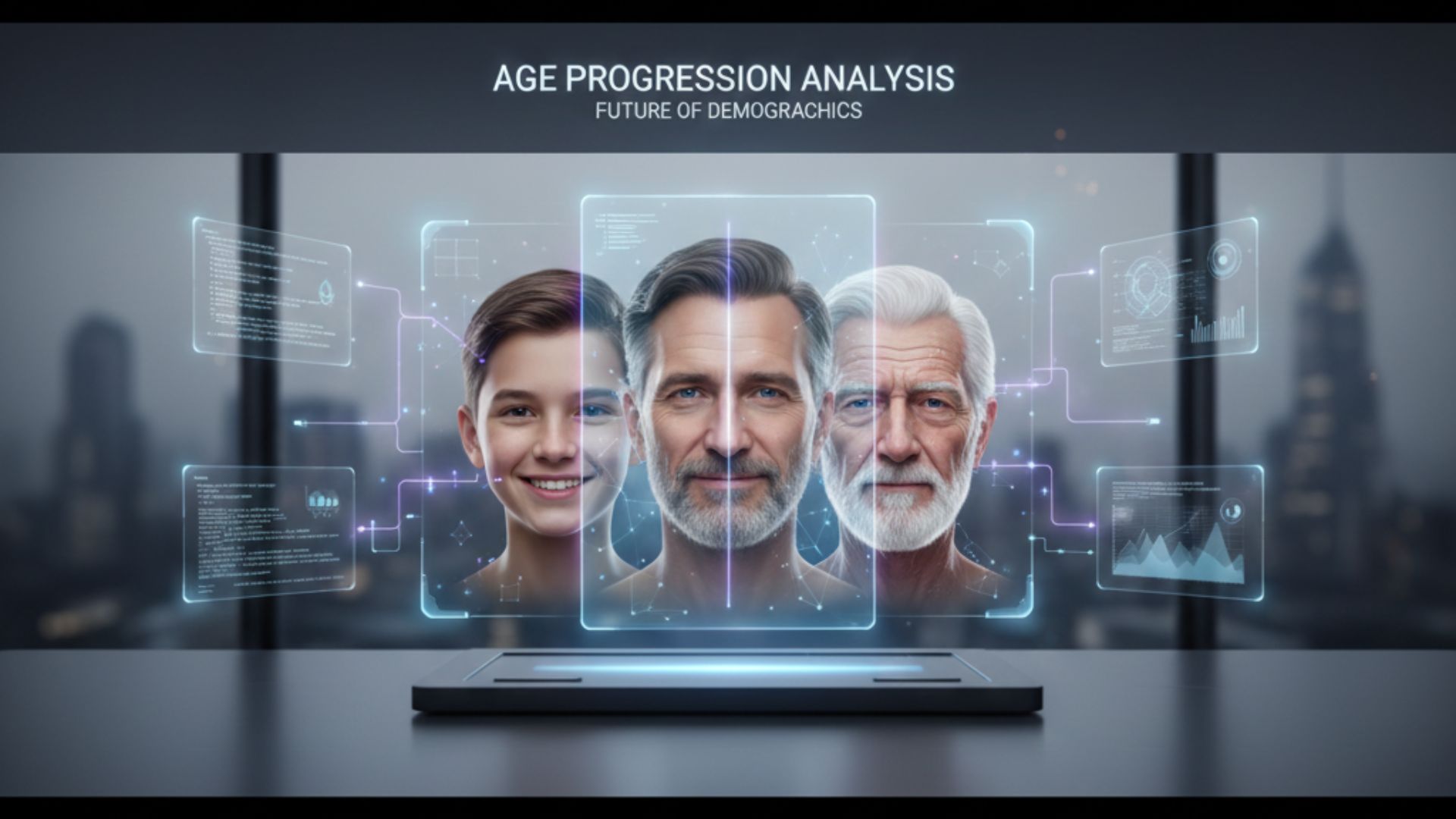
AI age progression is a technology that uses advanced machine learning models to create realistic visual predictions of how a face may look at different ages. It applies natural age-related changes such as skin texture shifts, facial lines, and structural adjustments while preserving the person’s identity, making the output feel believable and engaging.
2. Is the age progression medically accurate?
No, the results are not medically accurate. They are designed to be visually plausible rather than scientifically precise. The purpose is to offer an illustrative and interactive experience, not a medical diagnosis or clinical age prediction.
3. How does Agentia’s age progression feature work?
Agentia processes the uploaded image through its AI model, which analyzes facial features and applies age-related transformations to generate older or younger versions. The process is optimized for real-time performance, allowing the results to appear instantly in chat interfaces or digital product flows without requiring users to understand the technical complexities behind it.
4. Is user data secure?
Yes, security is a core priority. Images are encrypted, stored only as long as necessary, and processed exclusively for the requested transformation. Clear consent messages, transparent data handling, and minimal retention policies ensure user trust and regulatory compliance.
5. Can users delete their images?
Yes, users can request deletion of their images and generated outputs at any time. Applications integrating Agentia’s API can provide dedicated deletion options, giving users full control and visibility over their personal data.
6. Are there any restrictions on usage?
Responsible use is required, especially since the feature involves facial data. Agentia includes built-in moderation tools and safety checks to prevent misuse and ensure that the feature aligns with ethical, platform, and legal standards.
7. Who is this feature designed for?
This feature is ideal for customer support teams, product managers, digital service platforms, creative apps, retail brands, and educational platforms. It supports a variety of use cases that benefit from personalized, visual, and interactive user experiences.
8. Can this be integrated into AI customer support chatbots?
Yes, the feature is built for chatbot integration. Chatbots can gather a user’s image, send it to Agentia, receive the age-progressed result, and display it directly within the conversation. This enhances support interactions by adding a visual layer that feels more human and engaging.
9. What kind of images deliver the best results?
Clear, front-facing photos with proper lighting deliver the highest-quality results. Images taken at extreme angles, in poor lighting, or with heavy filters may reduce transformation accuracy, so gentle prompts for better image quality can improve user outcomes.
10. Does the model support both progression and regression?
Yes, the model supports both age progression and age regression. It can generate older or younger versions of a face while maintaining key identity characteristics to ensure consistency and realism.
11. How fast is the processing time?
Processing is fast enough to support real-time use cases such as chat, instant previews, and interactive UI elements. For bulk operations or higher workloads, asynchronous processing ensures smooth performance without affecting user experience.
12. Is there any risk of bias?
Like all vision-based AI models, some variation across demographic groups can occur. Agentia regularly evaluates and enhances its models to improve fairness and reduce bias, but developers and teams are encouraged to monitor outputs and report any inconsistencies.
13. Can businesses customize the output?
Yes, businesses can tailor the transformation using controls such as age intensity, styling preferences, accessory retention, and subtlety levels. This allows companies to match the output to their brand tone and user expectations.
14. Do I need technical expertise to integrate this?
No significant expertise is needed. The API is simple, well-documented, and designed for easy integration. Small teams can implement it quickly, making it well suited for rapid testing, prototyping, and production deployments.