What Is an AI Sales Agent and How It Closes Deals Automatically
This blog defines an AI sales agent as software that uses language models and automation to handle repeatable parts of B2B sales qualification, outreach, scheduling, proposals, transactional closes, and CRM updates. It explains how agents move leads through a step‑by‑step flow, the core capabilities that deliver impact, and which metrics to track (response time, lead-to-qualified rate, show and close rates). The author covers common pitfalls, build vs. buy tradeoffs, integration and compliance checklists, training and escalation rules, timelines and costs, and practical starter templates. The purpose is to help teams adopt conversational sales automation responsibly and start a focused pilot quickly.
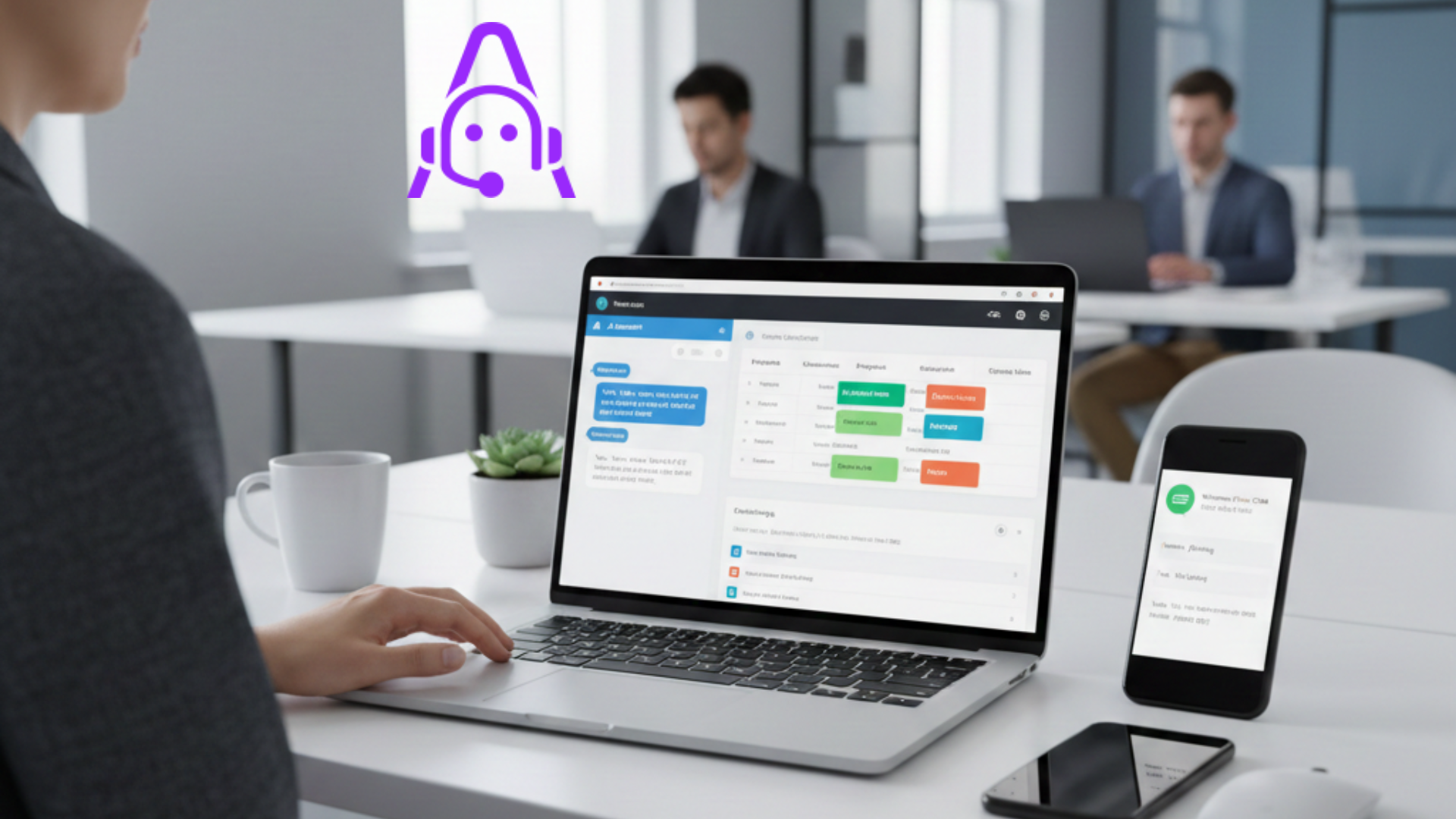
If you run a B2B sales team, you have a question that never goes away. How do we keep the pipeline full, move leads faster, and close more deals without burning out the team? Enter the AI sales agent. It is not a magic wand, but in my experience it is one of the most practical ways to scale qualification, follow ups, and even automated deal closing.
This article walks through what an AI sales agent does, how it works, real examples, common pitfalls, and practical steps you can take to bring it into your stack. I write this as someone who has seen sales teams struggle with manual outreach and then get measurable lifts after adding conversational ai sales capabilities. I will keep the explanations simple and give concrete pointers you can use.
Quick definition
An AI sales agent is software that uses natural language models and task automation to handle parts of the sales process. That can mean qualifying inbound leads, booking meetings, following up on proposals, or guiding a lead toward a signed contract. Think of it as an ai sales assistant that works alongside your reps, handling repetitive conversations and predictable tasks so your humans focus on higher value work.
People also call these systems automated sales agents or conversational ai sales solutions. The goal is sales automation that does more than send templated emails. Good AI agents carry a conversation, understand intent, and take action inside your systems so deals actually move forward without constant human nudges.
Why teams care about AI sales agents
Short answer. They save time and reduce friction. Longer answer. They let your reps spend time where they matter most. I have noticed two patterns across companies that adopt ai sales automation early. First, front line reps feel less buried in admin and follow up. Second, pipeline conversion numbers improve because leads do not go cold while waiting for a reply.
For growth teams, founders, and revenue managers the appeal is clear. You can scale qualification, ensure consistent follow up, and shorten sales cycles. For customer success teams, the agent can reduce churn by proactively checking in on renewal criteria. And for operators, it means fewer spreadsheet babysitting sessions and cleaner CRM data.
Core capabilities of an AI sales agent
Not all systems do everything, but here are the common capabilities I've seen deliver the most impact.
- AI lead qualification. The agent asks discovery questions, scores intent, and routes warm leads to the right rep. It can qualify a lead in chat, email, or voice and update your CRM automatically.
- Automated outreach and follow ups. The agent sequences emails, chats, or calls based on responses. It keeps trying until you set rules to stop. This reduces the chance of missed opportunities.
- Meeting scheduling. Integrated calendar booking removes the friction of back and forth and raises conversion rates when a lead wants a demo quickly.
- Proposal and negotiation assistance. The agent can surface pricing options, generate personalized proposals, and answer routine contract questions before a human steps in.
- Transactional closing. For smaller deals or add on purchases the agent can process orders, capture signatures, and complete the sale automatically.
- CRM updates and data hygiene. It parses conversations and logs activities, freeing reps from manual entry and keeping your sales automation tools accurate.
- Analytics and routing. The agent spots trends in lost reasons and suggests routing rules so high value leads go to senior reps faster.
How an AI sales agent actually closes deals
Let us walk through a typical flow. I find concrete workflows make the concept stick better than theory.
Step 1. Lead capture. A website visitor fills out a contact form, clicks chat, or replies to an ad. The lead lands in your CRM and the AI agent picks up the conversation through chat or email.
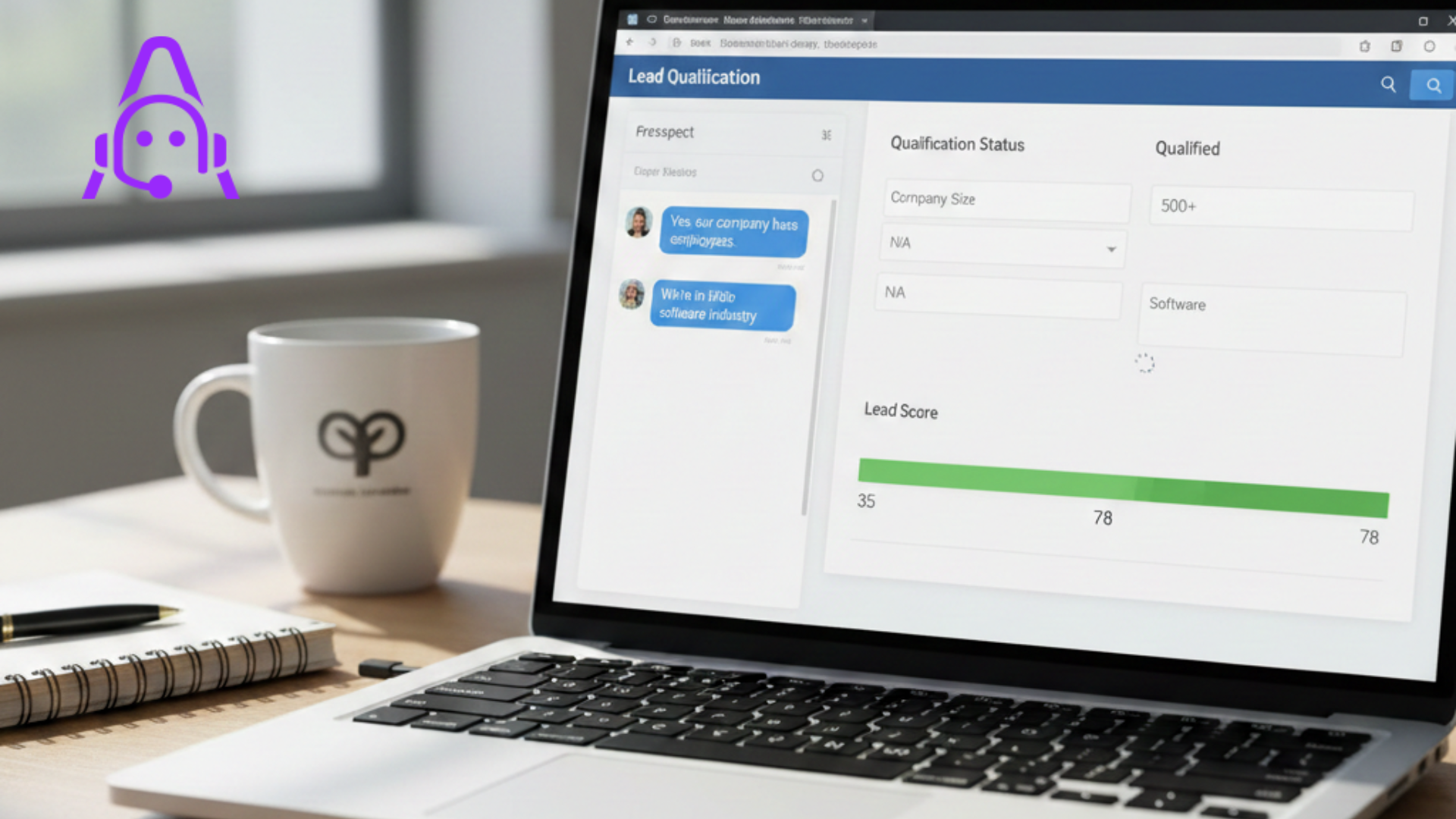
Step 2. Qualification. The agent asks key questions you define. Budget. Timeline. Decision makers. Pain points. Based on answers and scoring rules it determines if the lead is sales ready or needs nurture.
Step 3. Tailored response. If the lead is ready, the agent offers times for a demo and sends a personalized link to book with the right rep. If the lead is not ready, it enrolls them in a nurture sequence that is relevant to their use case.
Step 4. Follow up. The agent sends reminders, answers basic product or pricing questions, and escalates ambiguous responses to a human. It can handle dozens or hundreds of follow up touches without fatigue.
Step 5. Closing. For straightforward deals the agent shares a proposal or quote and walks the lead through e signature and payment. For more complex deals it prepares the dossier for the rep and recommends next steps, saving time in handoffs.
Step 6. Handoff and onboarding. Once the deal closes, the agent creates an onboarding ticket, schedules the kickoff meeting, and hands the account to customer success with the full conversation history.
Simple example: qualifying an inbound demo request
Here is a short, human example. A visitor uses the chat widget on your pricing page. The agent greets them and asks two quick questions.
- What is your company size and role?
- When are you looking to implement a solution?
If the visitor answers within your ideal customer profile and wants to implement in the next 90 days, the agent checks available slots on a sales rep calendar and books a demo. It adds the answers to the CRM and tags the lead as hot. If the visitor is early stage or researching, the agent sends a tailored content pack and schedules a follow up in 14 days.
This is ai lead qualification and ai sales automation at work. Simple, persistent, and always logging to your systems.
Why conversational AI matters
Text or voice interactions feel natural. People prefer to ask questions and get immediate responses. Conversational ai sales systems use context and history to keep interactions human. They maintain a thread across email, SMS, and chat so the lead does not have to repeat information.
In practice this means fewer dropped responses and faster conversions. I've seen teams reduce time to first response from hours to seconds and that alone increases demo show rates significantly.
Metrics you should watch
When you deploy an automated sales agent, track a few simple KPIs. They tell you if the agent is helping or just adding noise.
- Lead to qualified rate. Are more inbound leads moving to qualified? Expect this number to rise if your qualification flows are sound.
- Time to first response. Faster response equals better conversion. This should drop dramatically with an AI agent on chat or email.
- Meeting show rate. Does your scheduling and follow up improve attendance?
- Pipeline velocity. Are deals moving faster from stage to stage?
- Closed won rate for automated deals. For transactions the agent closes itself, how many become revenue without human work?
- CRM completeness and activity logs. Automation should increase the number of fields filled and decrease manual editing.
Common mistakes and pitfalls
AI agents are powerful, but teams often trip over the same issues. I will call out the ones I see most.
- Expecting perfection from day one. The model needs tuning. Start with a conservative scope then expand. Early failures usually come from overly complex conversation flows or unclear scoring rules.
- Ignoring escalation rules. If the agent cannot answer a question or detects high intent it must escalate to a human quickly. Failing to do this loses trust and deals.
- Poor integration with CRM and sales tools. If the agent writes notes to the wrong fields or duplicates records you will create more work, not less. Spend time mapping fields and syncing logic before going live.
- Over automation of sensitive tasks. Let the agent handle quotes and small orders. For multi stakeholder contracts keep a human in the loop.
- Underestimating compliance and privacy. Make sure the agent follows your data retention and consent rules. This matters for legal, especially in regulated industries.
- One size fits all messaging. If you use a single script for all segments you will see lower engagement. Tailor messages to industry, role, and deal size.
How to pick the right approach: build or buy?
Many teams wonder whether to build an in house agent or buy a solution. Both paths work but they have different trade offs.
If you build you get total control and custom integrations. You can bake in proprietary sales playbooks and fine tune models to your language. The downside is time and ongoing maintenance. You need engineering resources to keep the models updated, handle edge cases, and ensure security.
Buying gives you speed. Vendors of sales automation tools often provide pre built connectors to CRM, calendars, and email. They also include UI for non technical users to tweak scripts and routing rules. The trade off is less control and potential vendor lock in.
My rule of thumb. If your process is highly unique and you have a team ready to support it, building can pay off long term. If you want quick impact and lower operational overhead, buy and customize. Either way make sure you retain the ability to export conversation logs and training data so you are not stuck.
Integration checklist
Before you flip the switch, make sure these pieces are in place.
- CRM connection with clear field mappings for lead source, qualification answers, and status updates.
- Calendar integration for meeting scheduling that respects timezone and rep availability.
- Email and SMS channels configured with proper sending domains and unsubscribe handling.
- Escalation rules that route high intent or sensitive queries to a human within a specified SLA.
- Data retention and consent policy aligned with legal requirements.
- Templates and playbooks that reflect your best reps, not generic sales fluff.
- Tracking and analytics to monitor agent performance and user experience.
Simple template for a qualification flow
Here is a short script you can adapt. I suggest starting with three to five questions. Keep it short enough that people answer.
- Thanks for reaching out. What is your role and company size?
- What problem are you trying to solve with our product?
- Are you evaluating solutions now or just researching?
- What is your timeline for making a decision?
Based on the answers, set three outcomes. Hot, nurture, and not a fit. Hot leads get booking links to a senior rep within one hour. Nurture gets targeted content and a follow up in two weeks. Not a fit receives a helpful resource and optional unsubscribe.
Real world scenarios
Scenario 1. SaaS company with high inbound volume
Company X had hundreds of trial sign ups a week. Their reps could not qualify them fast enough. They deployed an automated sales agent on trial signup and chat. The agent asked three questions, scored intent, and booked demos when appropriate. Conversion from demo to paid grew by 12 percent and rep time on admin fell by 40 percent. Their win came from reducing friction and reliably following up with every trial signup.
Scenario 2. Enterprise sales with complex pipeline
Company Y used the agent for early qualification only. It did not close deals, but it saved reps time. The agent identified decision makers, captured budget signals, and flagged complex legal requirements early. Reps used that intelligence to prioritize their outreach. Deal velocity improved and fewer deals stalled because the right person was engaged earlier.
Measuring ROI and proving the value
Buy in from leadership usually comes down to numbers. Here is how to demonstrate value quickly.
- Run a pilot on one segment or channel. Measure lead to qualified rate and time to first response before and after.
- Compare demo show rates and conversion rates for leads handled by the agent versus control leads.
- Track rep time saved on manual tasks and estimate the cost savings or reallocation to higher priority work.
- Monitor revenue closed by agent handled deals for a period of 60 to 90 days and annualize the impact.
Small wins in the pilot can justify broader rollout. In my experience stakeholders care most about faster response times and cleaner CRM data. Those are the two metrics that turn heads.
Security, privacy, and compliance
Do not gloss over these items. If you are in a regulated space you need to ensure the AI agent follows data policies. That means:
- Storing personal data in approved systems only.
- Controlling who can access conversation logs.
- Ensuring consent collection is explicit and logged for email and SMS outreach.
- Having a human review for legal or financial commitments the agent might surface.
Talk to your security team early. The agent will touch many systems and you need clear integration guardrails.
Training and continuous improvement
Think of the agent like a junior rep who needs coaching. You will want to do regular reviews and refinements. Schedule weekly or biweekly sessions early on to:
- Review failed or ambiguous conversations.
- Update scripts and playbooks based on what worked.
- Tune scoring thresholds for lead qualification.
- Retrain the language model with new phrases common to your market.
Training helps avoid stale or robotic responses. It also ensures the agent learns the tone and specifics your team prefers.
When to hand the conversation to a human
Knowing when not to automate is as important as knowing what to automate. Hand the conversation to a human when:
- The prospect asks complex technical or legal questions.
- The account size crosses your threshold for personalized selling.
- Negotiations involve multi party approvals or unusual contract terms.
- A customer expresses dissatisfaction or escalates support issues.
We want automation to speed deals, not break them. Set clear, conservative triggers for escalation early, and relax them as confidence grows.
Tips for better conversational design
Small design choices change conversion rates. Try these practical tips I use when consulting with teams.
- Use short questions and one idea per message. People scan, they do not read essays.
- Offer quick reply buttons for common answers to speed responses.
- Keep personality consistent with your brand. If your sales team is casual, let the agent be casual too.
- Show human backup. A short line like We can bring a sales engineer in at any point reassures decision makers.
- Use confirmation messages after key actions. For example, I will book this demo for you on Tuesday at 2 pm is clearer than just booking silently.
Common use cases to start with
Here are practical places to deploy an automated sales agent and see quick wins.
- Website live chat and pricing page inquiries.
- Trial onboarding for SaaS products to increase activation and demo conversion.
- Outbound follow ups after an event or webinar.
- Renewal reminders and upsell qualification for customer success.
- SMB checkout flows where automated deal closing speeds revenue.
Costs and resource planning
Budgeting depends on volume and complexity. Expect costs in three buckets: platform or vendor fees, integration work, and ongoing tuning and training. If you build, you will add engineering and hosting costs. If you buy, you will pay subscription fees and possibly per conversation or per seat costs.
Plan for a small initial investment in templates and playbooks. The up front work pays for itself by avoiding noisy conversations and misrouted leads.
Realistic timeline for adoption
From zero to measurable impact usually takes 6 to 12 weeks. That timeline includes integration, scripts, pilot testing, and training. You can see smaller wins sooner if you scope a simple use case like chat qualification or meeting scheduling.
Expect the first two weeks to be the busiest. After that you will iterate with small changes and see steady performance improvements.
How Agentia fits into this
If you want an example of a company that helps teams make this real, Agentia builds ai sales automation and conversational ai sales solutions focused on real B2B outcomes. We help teams automate lead qualification, follow ups, and even automated deal closing without taking the human out of the loop. In my experience, pairing an ai sales assistant with clear playbooks and CRM integration gives the best results.
Getting started checklist
Here is a quick action list you can use to start a pilot this week.
- Identify one channel and one outcome. Example: chat on pricing page to book demos.
- Write a short script of three to five questions and the three routing outcomes.
- Map CRM fields and integrate calendar scheduling.
- Define escalation rules and SLAs for human handoff.
- Run a two week pilot and track lead to qualified rate, time to first response, and demo show rate.
- Review conversations weekly and tune scripts.
Final thoughts
AI sales agents do not replace good salespeople. They amplify your team. They take care of the repetitive parts of the job, clean up the CRM, and make sure leads do not fall through the cracks. In my experience the teams that win combine clear human playbooks, pragmatic automation, and continuous training.
Start small, measure, and iterate. If you do that, you will get faster response times, cleaner pipeline data, and more predictable conversions. And yes, you will free up your reps to do the work that actually requires human judgment.
Helpful Links & Next Steps
If you want to see an AI sales agent in action and evaluate how it could fit your process, Book a Free Demo Today. It is the fastest way to answer the question of what automation will actually do for your pipeline.